MMK
Chevereto Member
Hey everyone,
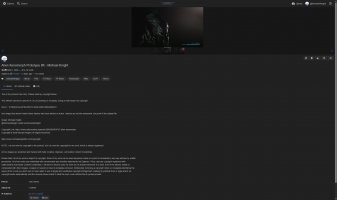
I have a quick question. I'm looking to see if there's a way for uploaded images to load full-width (Image 2), instead of clicking on the image for it to fill the browser width. (Examples in the images below). I keep looking through all of the settings and I can't find any option to do this, unless I missed it. Anyone know if this is possible? I know this may seem a trivial thing, but when you're OCD it can annoy me. Any help with this would be great.
Thank you.
Image 1. Default view (which is not what I want)
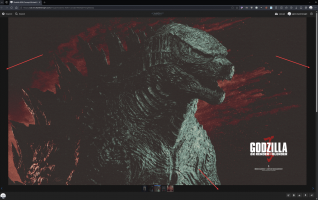
Image 2: Full width image, which is want I want to use as a default.
I have a quick question. I'm looking to see if there's a way for uploaded images to load full-width (Image 2), instead of clicking on the image for it to fill the browser width. (Examples in the images below). I keep looking through all of the settings and I can't find any option to do this, unless I missed it. Anyone know if this is possible? I know this may seem a trivial thing, but when you're OCD it can annoy me. Any help with this would be great.
Thank you.
Image 1. Default view (which is not what I want)
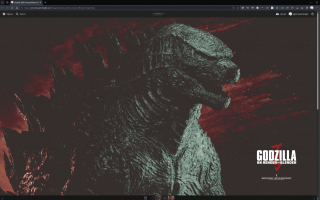
Image 2: Full width image, which is want I want to use as a default.